 GBR Hosting
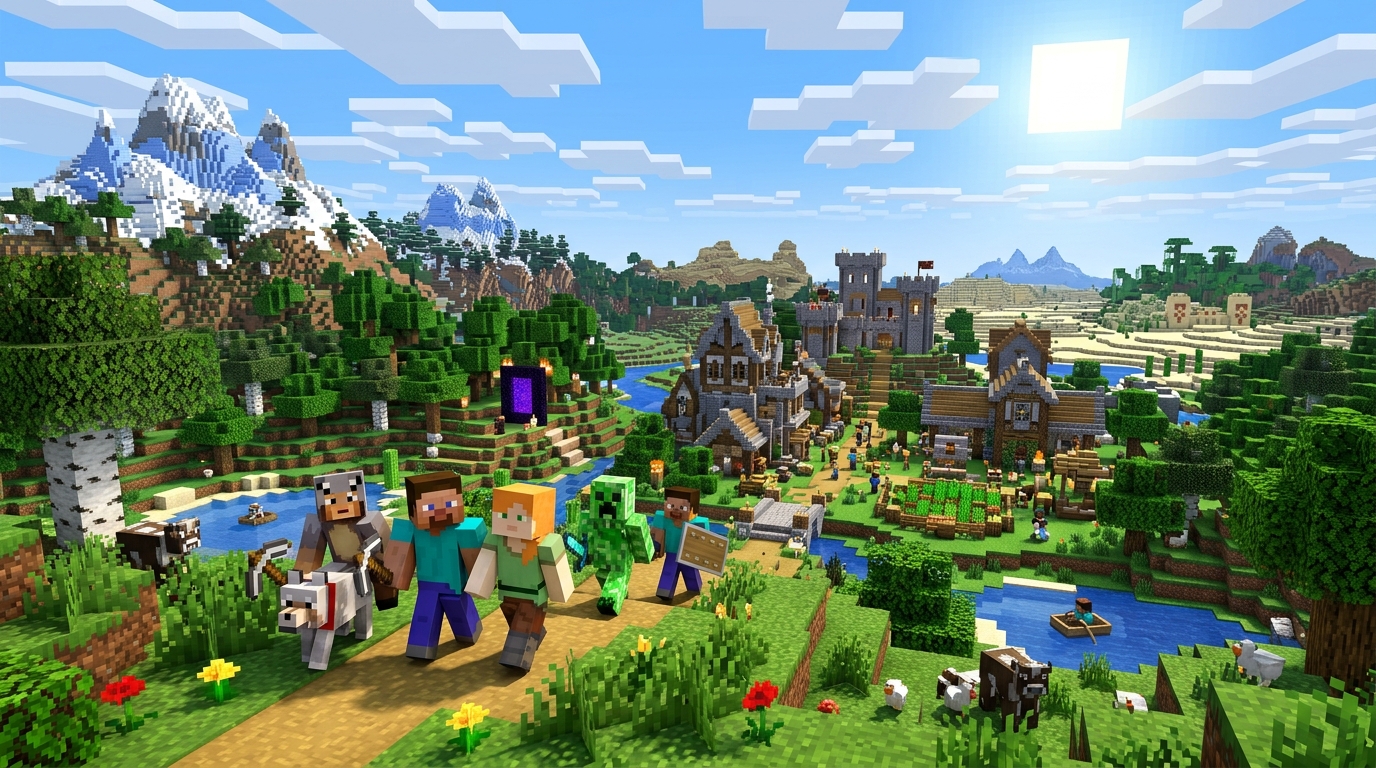
Minecraft crossplay server hosting, on your own PC
One world for Java, Bedrock and console friends. Install the GBR app, pick Minecraft, share the address. Geyser and Floodgate are set up for you.
What your PC needs
Friends join from anywhere
The relay gives your server a public address. No port forwarding, and your home IP stays private.
Settings without config files
Difficulty, game mode, whitelist, version and more, without touching server.properties.
Backups off your PC
If your PC dies, your world doesn’t. Restore in one click.
Tune your world in the panel
All 25 Minecraft settings have plain labels. Made a change you regret? Roll back to an earlier version.
Questions
Can PlayStation, Xbox and Switch players join?
Yes. Turn on the friends broadcast, add the broadcaster account as a friend, then open Minecraft → Play → Friends → Joinable Friends.
Do I have to accept the Minecraft EULA?
Yes. Mojang requires it, so you tick a box when you create the server.
Can I pick the Minecraft version?
Yes. It runs the latest release by default, and newer clients can still join an older version through ViaVersion.
Server details: ports, RAM and every setting
| Ports | 25565/TCP 19132/UDP 19132/TCP |
|---|---|
| RAM / disk (minimum) | 4 GB / 8 GB |
| Server | Prebuilt dedicated server image |
| Backed up | world world_nether world_the_end plugins config server.properties |
| Panel actions | Ban, Broadcast, Kick, Save |
Joining and crossplay
Java players connect on TCP 25565 and Bedrock players (Windows, mobile, consoles) on 19132 through Geyser; Floodgate lets them join without a Java account. The optional MCXboxBroadcast extension, a community project not made by Mojang or Microsoft, shows your server in Xbox, PlayStation and Switch friends lists.
What ports does a Minecraft server use?
25565 TCP, 19132 UDP, 19132 TCP. When several servers share one machine, or when the GBR relay is on, the public port can differ; the panel shows the exact address and port players should use.
How much RAM does a Minecraft server need?
GBR's Minecraft template reserves at least 4 GB of RAM and 8 GB of disk. More players, bigger worlds and mods need more.
Can I run a Minecraft server on my own PC?
Yes. Install the GBR app on your own Windows, macOS or Linux machine and deploy Minecraft to it from the same panel. You can also run it in the GBR cloud. With the GBR relay, friends can join even if your internet uses CGNAT.
Are my Minecraft saves backed up?
Yes. Backups cover world, world_nether, world_the_end, plugins, config, server.properties and are stored off the server in object storage. Schedule them daily, weekly, monthly or on an interval, take one by hand before big changes, and lock the ones you want to keep.
Which Minecraft settings can I change?
All 25 settings listed on this page, in a visual editor. GBR keeps a history of recent changes so you can roll back.
All Minecraft settings
| Setting | What it does | Default |
|---|---|---|
| Allow Flight | Required for Bedrock and Geyser crossplay compatibility to prevent phantom kick events. | true |
| Difficulty | The world difficulty level. Options: peaceful, easy, normal, hard. | easy |
| Enable RCON | Enables remote console (RCON) access for GBR action buttons and player moderation. | true |
| Enable Whitelist | When enabled, only players listed in the whitelist are permitted to join. | false |
| Enforce Whitelist | Enforces whitelist immediately upon server startup and reloading. | false |
| Minecraft EULA | Minecraft requires every server owner to accept Mojang's End User License Agreement. The server will not start without it. | false |
| Hardcore Mode | Players are permanently switched to spectator mode upon death. | false |
| JVM Options | Extra JVM flags. Enables Geyser NetherNet (required for Bedrock 26.60+, Oct 27 2026). {PUBLIC_IP} and {PUBLIC_PORT_19132} are filled in by GBR with the address players reach (relay, dedicated IP or node). | Filled in for you |
| Max Players | The maximum number of concurrent players allowed on the server. | 20 |
| Memory Allocation | Java heap for the server. Keep it about 1 GB below your server's memory (3G on 4 GB, 7G on 8 GB); Java needs the rest, and a heap as large as the memory limit makes the server crash on start. | 3G |
| Game Mode | Default game mode for players. Options: survival, creative, adventure, spectator. | survival |
| Message of the Day | Server name shown in the Java server list and to Bedrock/console friends. Defaults to "GBRHosting - <your server name>"; type anything to change it. | Filled in for you |
| Online Mode | Validates Java accounts with Mojang. Floodgate handles Bedrock account authentication automatically. | true |
| Paper Release Channel | Keep set to 'default' for rock-solid stability with Geyser crossplay. Use 'experimental' only for test builds. Options: default, experimental. | default |
| Plugins List / URLs | Download URLs for Geyser, Floodgate, and ViaVersion for permanent crossplay compatibility. | See template |
| Enable PvP | Allows players to attack and deal damage to one another. | true |
| RCON Password | Password GBR uses for RCON actions. RCON is only reachable from the host node. Leave blank and GBR generates one for your server. | — |
| RCON Port | TCP port for remote console. Only reachable from the host node (not published publicly); GBR uses it for actions and player moderation. | 25575 |
| Server Software Type | The Minecraft server distribution to run. PAPER provides high performance and plugin support. | PAPER |
| Use Aikar's Flags | Applies tuned JVM garbage collection flags designed to reduce lag spikes on Paper servers. | true |
| Minecraft Version | The version of Minecraft to run. With ViaVersion installed, newer clients can always connect even if the server is on the stable release. | LATEST |
| MCXboxBroadcast Extension URL | Pinned extension build. Update this URL to upgrade (or point it at your own mirror). | See template |
| Friends Broadcast (MCXboxBroadcast) | Shows this server in Xbox/PlayStation/Switch friends lists via a spare Microsoft account. Unofficial and not affiliated with Microsoft or Mojang; use a spare account. On first start, sign in with the code shown on the server's Overview page. | true |
| Broadcast Join Address | Address friends are sent to when they join. {PUBLIC_HOST} is filled in with this server's relay/public address. Never leave this as 'auto' behind the relay (it would expose the node's home IP). | Filled in for you |
| Broadcast Join Port | Bedrock port friends are sent to. {PUBLIC_PORT_19132} is filled in with the public Bedrock port. | Filled in for you |
From GBR’s public Minecraft template, checked 2026-11-08.
Want to host Minecraft yourself?
Beta testers get free credit to try it and pay nothing. Or get one email when we launch.