 GBR Hosting
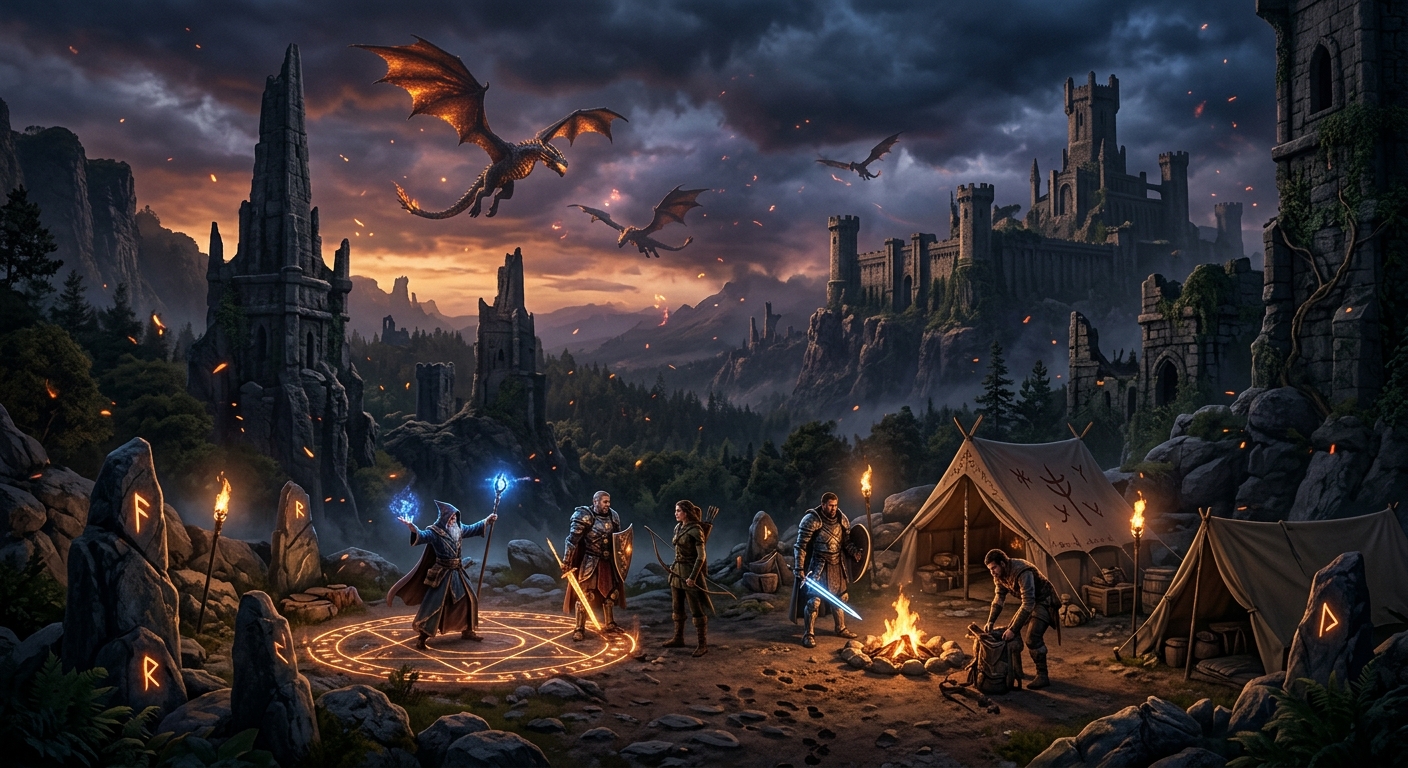
RuneScape: Dragonwilds server hosting, on your own PC
A world your friends find by name. Install the GBR app, pick Dragonwilds, and it shows up under Worlds → Public.
What your PC needs
Friends join from anywhere
The relay gives your server a public address. No port forwarding, and your home IP stays private.
Settings without config files
World name, password, crossplay policy and admin access.
Backups off your PC
If your PC dies, your world doesn’t. Restore in one click.
Tune your world in the panel
All 6 RuneScape: Dragonwilds settings have plain labels. Made a change you regret? Roll back to an earlier version.
Questions
How do friends find my world?
They open Worlds → Public and search for your world name.
Where do I find my Player ID?
At the bottom of the in-game Settings screen. The server needs it to start.
Server details: ports, RAM and every setting
| Ports | 7777/UDP 8888/UDP |
|---|---|
| RAM / disk (minimum) | 10 GB / 20 GB |
| Server | Official dedicated server, Steam app 4019830 |
| Settings file | RSDragonwilds/Saved/Config/LinuxServer/DedicatedServer.ini |
| Backed up | RSDragonwilds/Saved |
| Panel actions | Ban, Broadcast, Kick, Save |
Joining and crossplay
Players find your server in Dragonwilds under Worlds → Public by searching for the world name you set. The Platform Policy setting controls crossplay access.
What ports does a RuneScape: Dragonwilds server use?
7777 UDP, 8888 UDP. When several servers share one machine, or when the GBR relay is on, the public port can differ; the panel shows the exact address and port players should use.
How much RAM does a RuneScape: Dragonwilds server need?
GBR's RuneScape: Dragonwilds template reserves at least 10 GB of RAM and 20 GB of disk. More players, bigger worlds and mods need more.
Can I run a RuneScape: Dragonwilds server on my own PC?
Yes. Install the GBR app on your own Windows, macOS or Linux machine and deploy RuneScape: Dragonwilds to it from the same panel. You can also run it in the GBR cloud. With the GBR relay, friends can join even if your internet uses CGNAT.
Are my RuneScape: Dragonwilds saves backed up?
Yes. Backups cover RSDragonwilds/Saved and are stored off the server in object storage. Schedule them daily, weekly, monthly or on an interval, take one by hand before big changes, and lock the ones you want to keep.
Which RuneScape: Dragonwilds settings can I change?
All 6 settings listed on this page, in a visual editor. GBR keeps a history of recent changes so you can roll back.
All RuneScape: Dragonwilds settings
| Setting | What it does | Default |
|---|---|---|
| Admin Password | Password required to access the Server Management screen in-game. | — |
| World Name (what players search for) | Players find your server in Dragonwilds under Worlds → Public by searching this name. Defaults to your server's name in GBR; type any short name to change it. | Filled in for you |
| Owner Player ID | Your RuneScape: DragonWilds Player ID (bottom of in-game Settings). Required for server to boot. | — |
| Platform Policy | Controls platform authorization and crossplay access policies. Options: Crossplay, PC, PlayStation, Xbox, Nintendo. | Crossplay |
| Server Name | Display name of the dedicated server. Defaults to "GBRHosting - <your server name>". | Filled in for you |
| World Password | Optional password for players to join. Leave empty for public access. | — |
From GBR’s public RuneScape: Dragonwilds template, checked 2026-11-08.
Want to host RuneScape: Dragonwilds yourself?
Beta testers get free credit to try it and pay nothing. Or get one email when we launch.